





 Your YouTube upload sidekick
Drop in your video. Pomio writes the title, description and tags, picks the thumbnail and publishes on schedule. You get back to filming.

Upload the raw file. That’s the only thing Pomio needs from you.
Title, description, chapters and tags, written for search and in your voice.
Pomio finds the strongest frames and pairs one with your title.
Scheduled for when your audience is watching, then posted. Bell rung.


Pomio writes the metadata, sets the thumbnail and publishes at your best time slot. You find out when it’s live.

Pomio drafts titles, descriptions and thumbnail picks. You review, tweak and hit publish yourself.

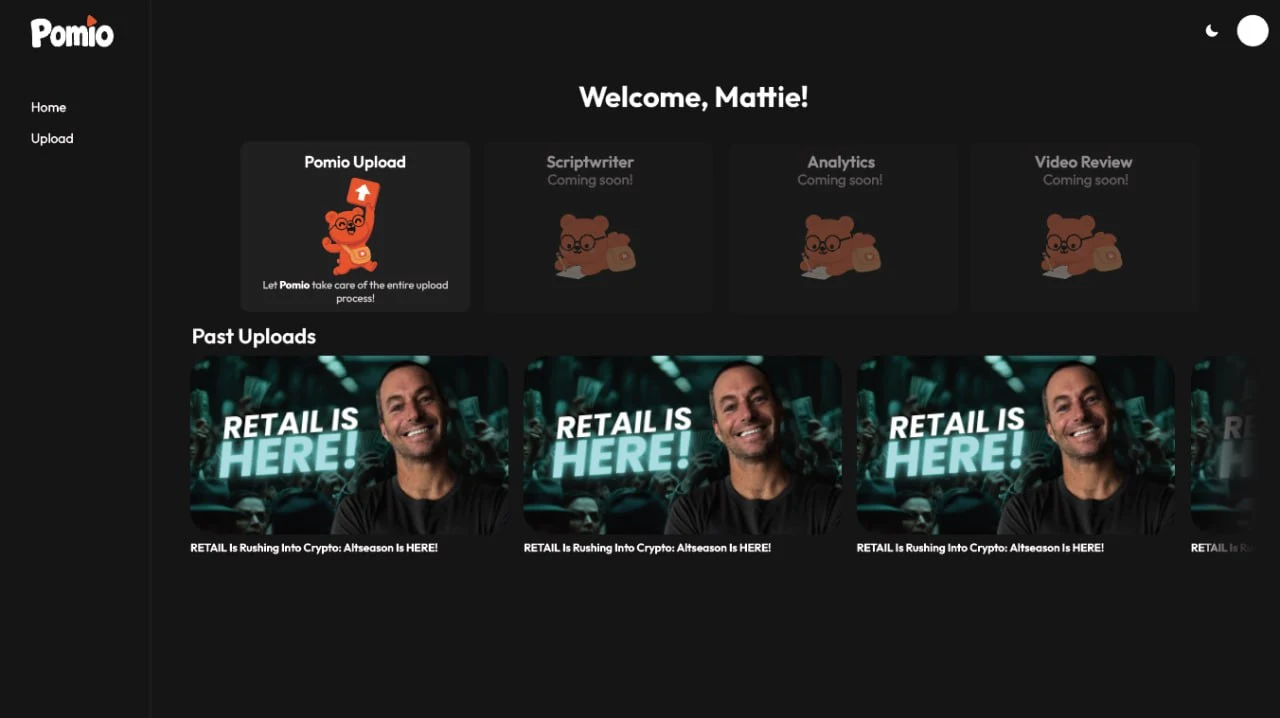
Start a new upload and see everything Pomio has published for you.




A small bear with a big bag. He carries every upload from your drive to your channel, so you don’t have to.
Connect your channel in a minute. Your next video goes out without the busywork.